
Introduction
Managing a social media team in 2025 isn’t just about scheduling posts, it’s about orchestrating an entire ecosystem of ideas, campaigns, client approvals, analytics, and content delivery. The wrong tool can slow you down; the right one can make your team unstoppable.
Notion and Trello have long been favorites in productivity circles, but neither was designed specifically for social media teams. Enter Synclify, a new-age platform purpose-built for creators, agencies, and brands.
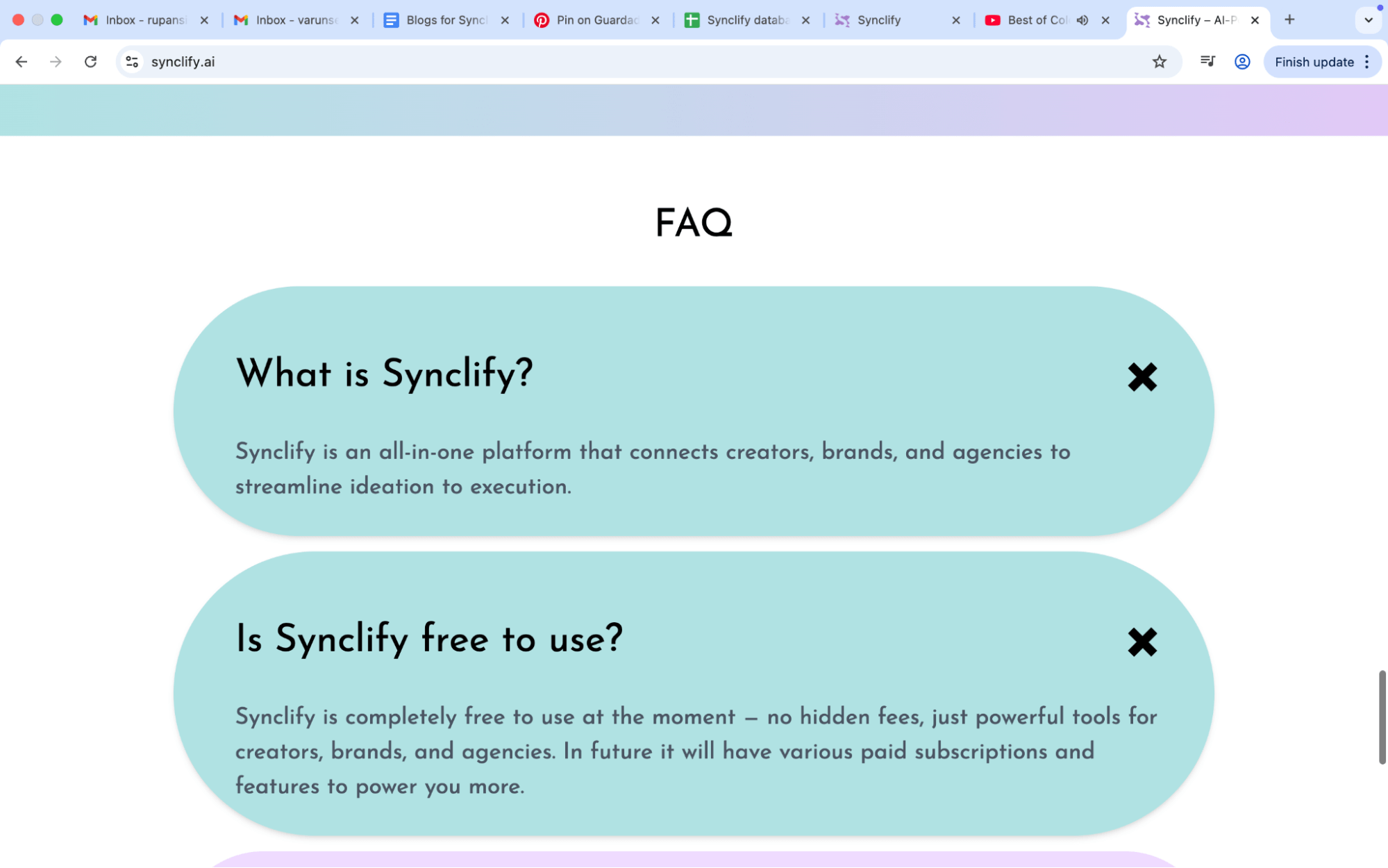
In this blog, we’ll cut through the noise and give you a fact-driven, human perspective on how Notion, Trello, and Synclify stack up, and which one actually fits modern social media teams.
The Core Needs of a Social Media Team
Before comparing tools, let’s set the baseline. A high-performing social media team needs to:
- Plan campaigns across multiple platforms
- Collaborate in real-time (between creators, strategists, and clients)
- Track performance (beyond likes and comments, into ROI and conversions)
- Automate repetitive workflows (approvals, scheduling, reporting)
- Stay scalable (from a 2-person team to a 20+ agency)
With these in mind, let’s see how each tool performs.
Notion, The Knowledge Powerhouse
Strengths
- All-in-one workspace for notes, docs, and databases
- Flexible templates for campaign planning
- Great for creating wikis, brand guides, and knowledge hubs
Weaknesses
- Not built for scheduling, you’ll need third-party integrations
- Limited analytics for social media performance
- Steep learning curve for non-technical users
Pro Tip: Use Notion as a supplementary knowledge hub, not your main execution tool.
Trello, The Visual Taskboard
Strengths
- Kanban-style simplicity, easy to visualize tasks and deadlines
- Great for basic campaign timelines and task ownership
- Wide integration ecosystem (Zapier, Google Drive, Slack)
Weaknesses
- Lacks social media-specific features like content calendars
- Scaling beyond small teams becomes chaotic
- Limited analytics and collaboration for client-facing work
Observation: Trello is like a whiteboard, it’s simple, but when campaigns get complex, it cracks under the weight.
Synclify, The Social Media Team’s Secret Weapon
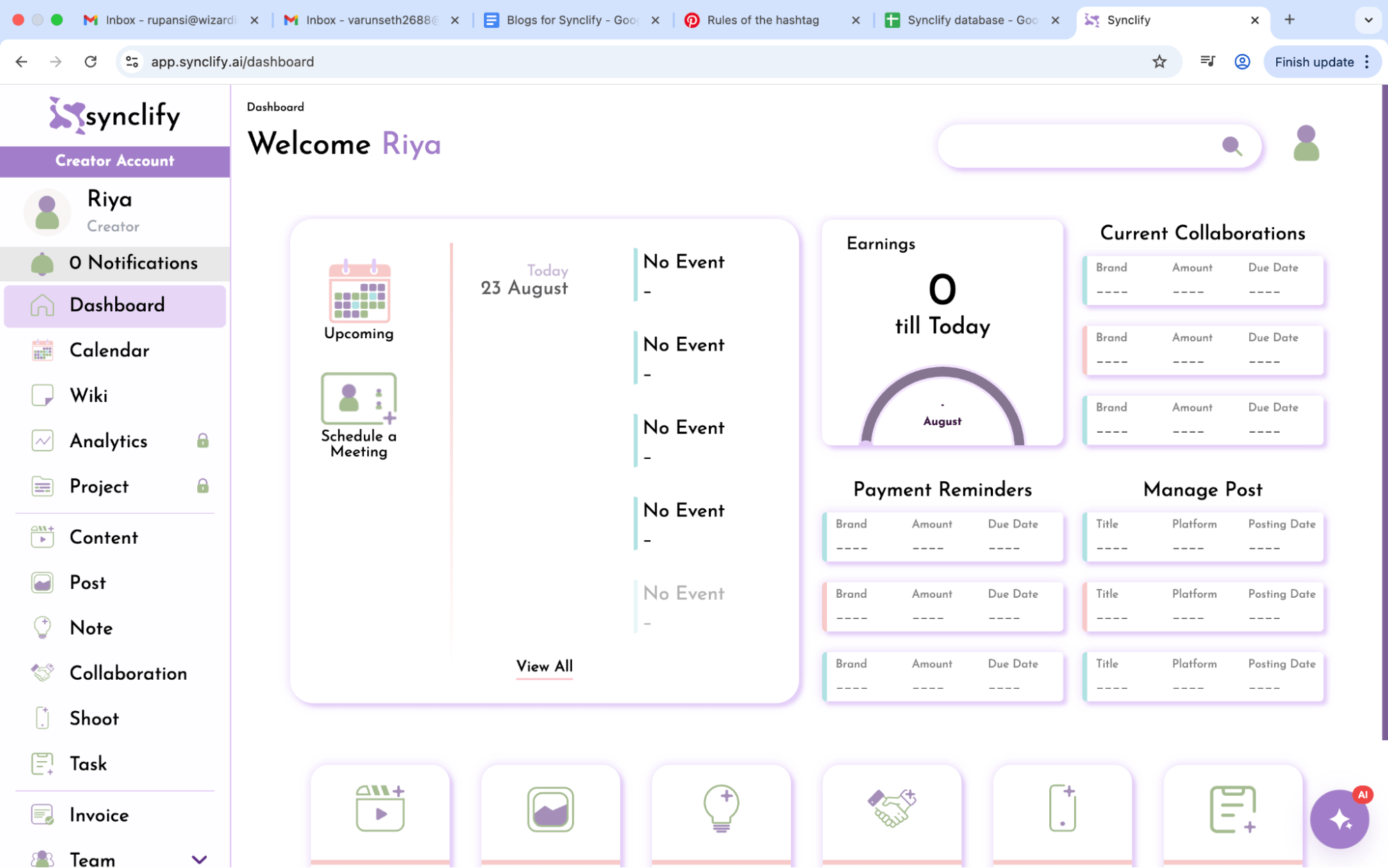
Unlike Notion and Trello, Synclify was designed for social media teams from the ground up. It combines campaign planning, collaboration, analytics, and approvals, all in one platform.
Strengths
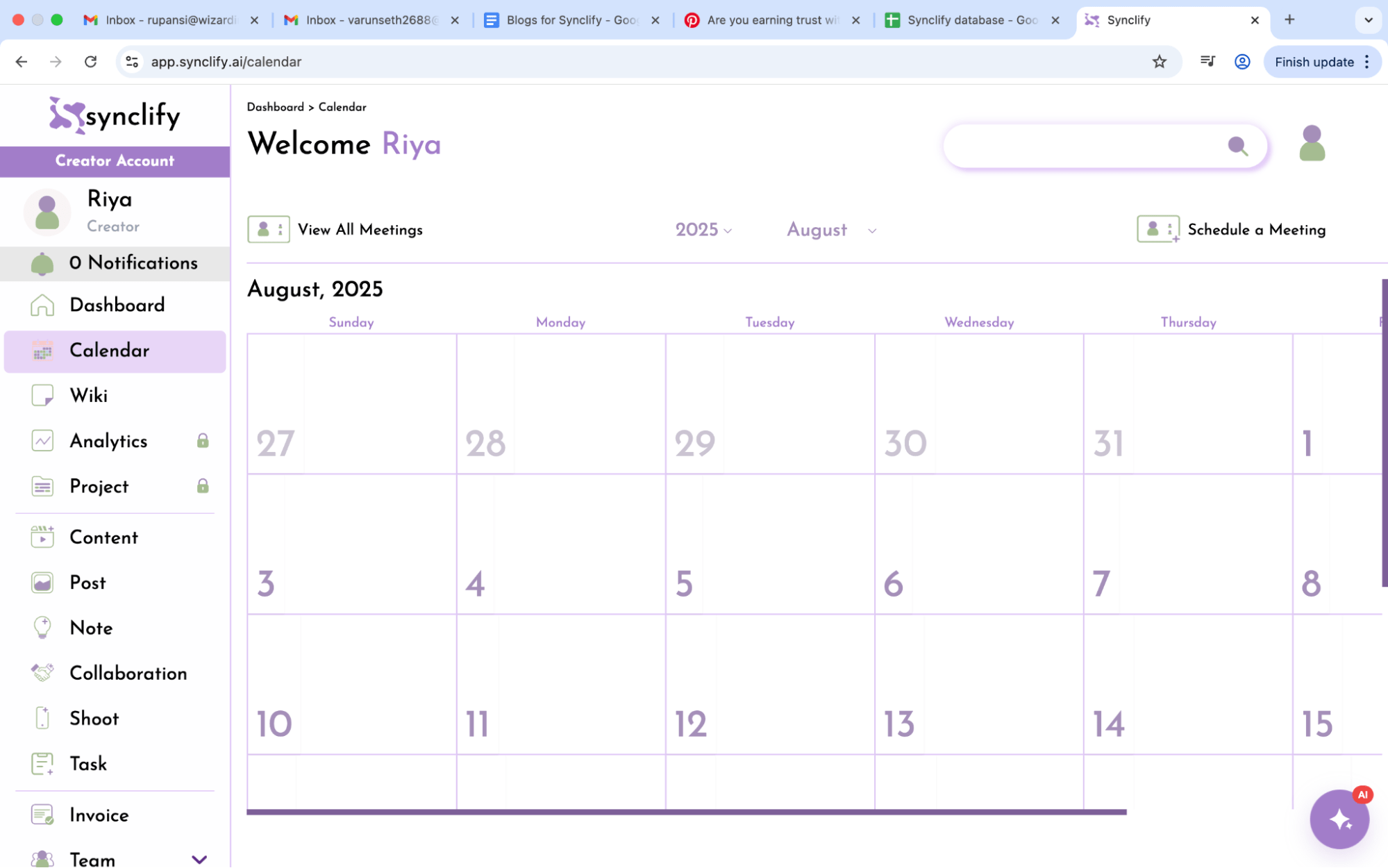
Content Calendar Built for Social
Schedule, preview, and optimize posts across multiple platforms without leaving the tool.
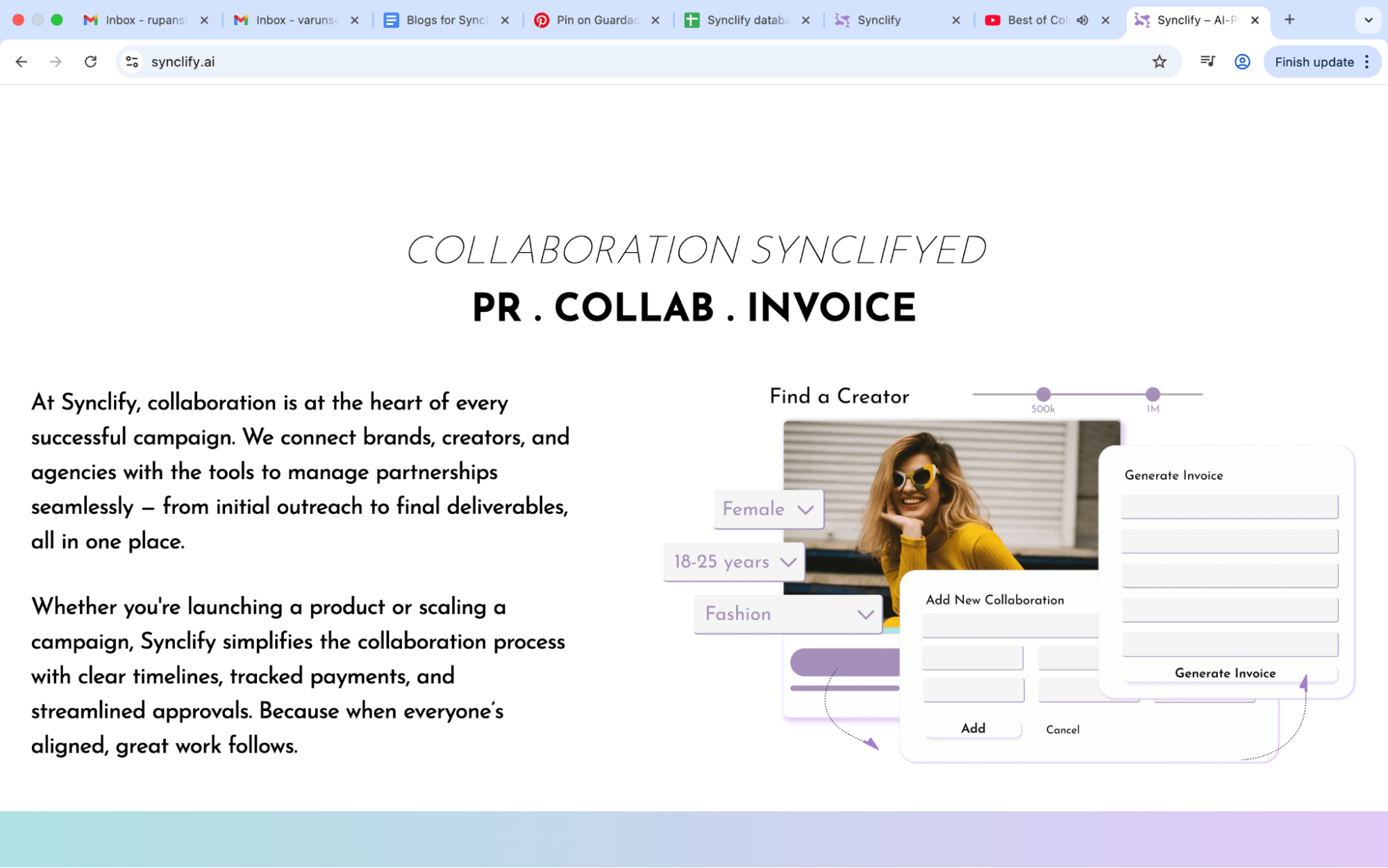
Collaboration Without Chaos
Creators, strategists, and clients can ideate, comment, and approve content in one workflow.
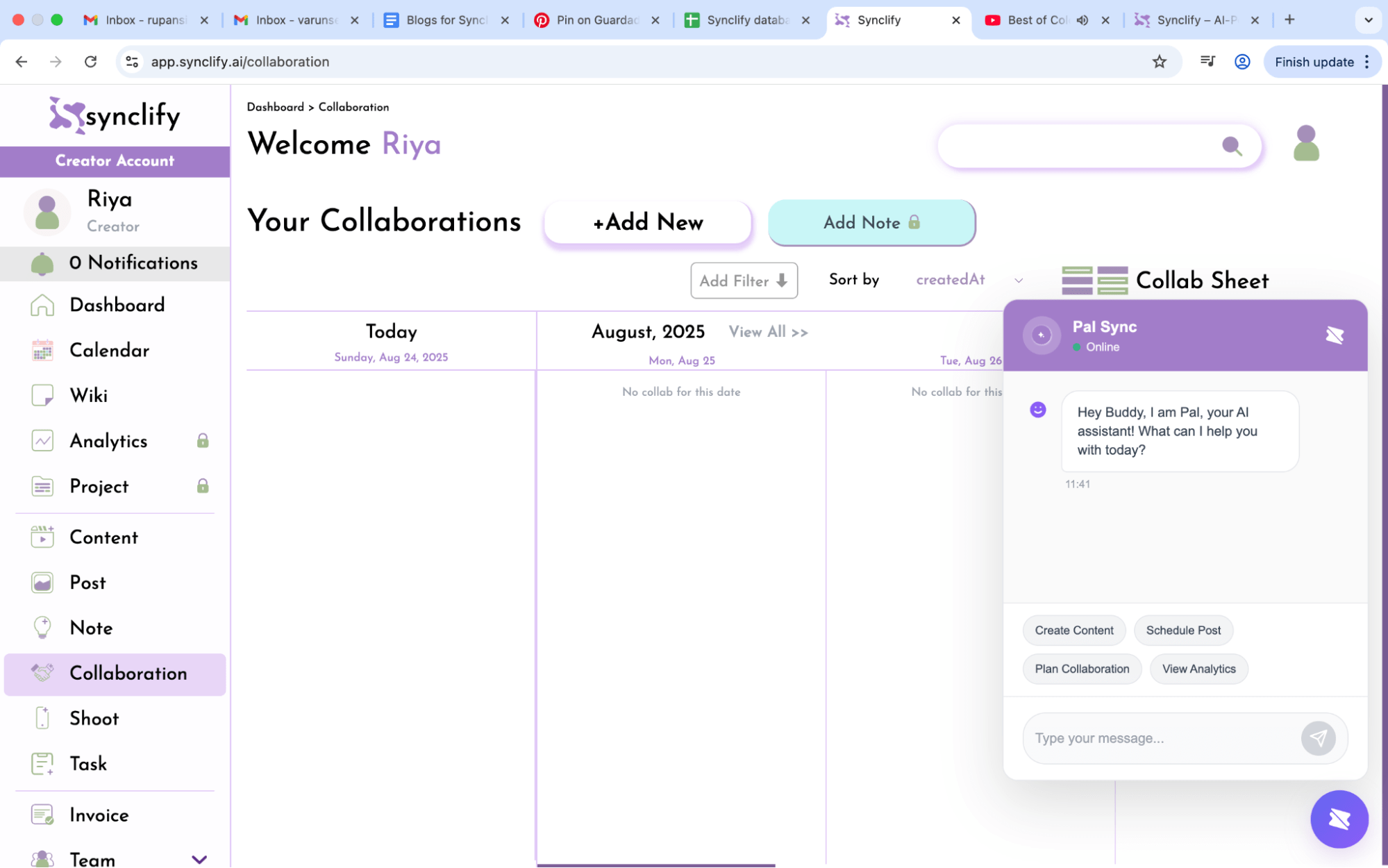
AI-Powered Insights
Synclify’s AI doesn’t just track likes, it predicts engagement trends and suggests post optimizations.
End-to-End Management
From idea boards to invoices, Synclify keeps everything in one place, no juggling 5 different apps.
Weaknesses
As a newer platform, some niche integrations may still be limited (though the roadmap is expanding fast).
Pro Tip: If your team spends more time on execution and reporting than on creativity, Synclify eliminates that bottleneck.
Unique Angles You Won’t Hear Elsewhere
Here’s what most “Notion vs Trello” blogs miss:
- Both tools were born generic, designed for any kind of project, not social media. That means constant workarounds.
- Synclify flips the script. It was designed for creators first, so workflows feel native, not patched together.
- Scalability isn’t just users, it’s campaigns. Trello struggles after 5-10 campaigns; Notion becomes an endless scroll. Synclify thrives as campaigns multiply.
The Verdict
- Choose Notion if your priority is building an internal knowledge base and documenting guidelines.
- Choose Trello if you’re a small team running simple campaigns and love visual taskboards.
- Choose Synclify if you’re a serious social media team, creator, agency, or brand, that wants one tool to rule them all.
The future of social media work isn’t about juggling tools. It’s about integration, insight, and scalability, and that’s exactly what Synclify delivers.
FAQs
Q1. Is Synclify better than Notion for social media teams?
Yes. Notion is great for knowledge storage, but Synclify is designed specifically for content calendars, approvals, analytics, and campaign execution.
Q2. Can I replace Trello with Synclify?
Absolutely. Synclify covers all of Trello’s project management features while adding social media-specific tools.
Q3. Do I still need scheduling tools like Buffer or Hootsuite?
No. Synclify’s calendar and scheduling system is built-in, eliminating the need for separate tools.
Q4. Is Synclify scalable for agencies?
Yes. It’s designed to handle multiple clients, campaigns, and creators in one dashboard.
Conclusion: The Smarter Choice for 2025
Notion and Trello had their era, but social media in 2025 requires more than generic project management. Teams don’t need another “flexible board.” They need a home for campaigns, creativity, and client collaboration.
That’s why Synclify is emerging as the hero tool for modern teams, it saves time, reduces chaos, and lets you focus on what really matters: creating impact with your content.
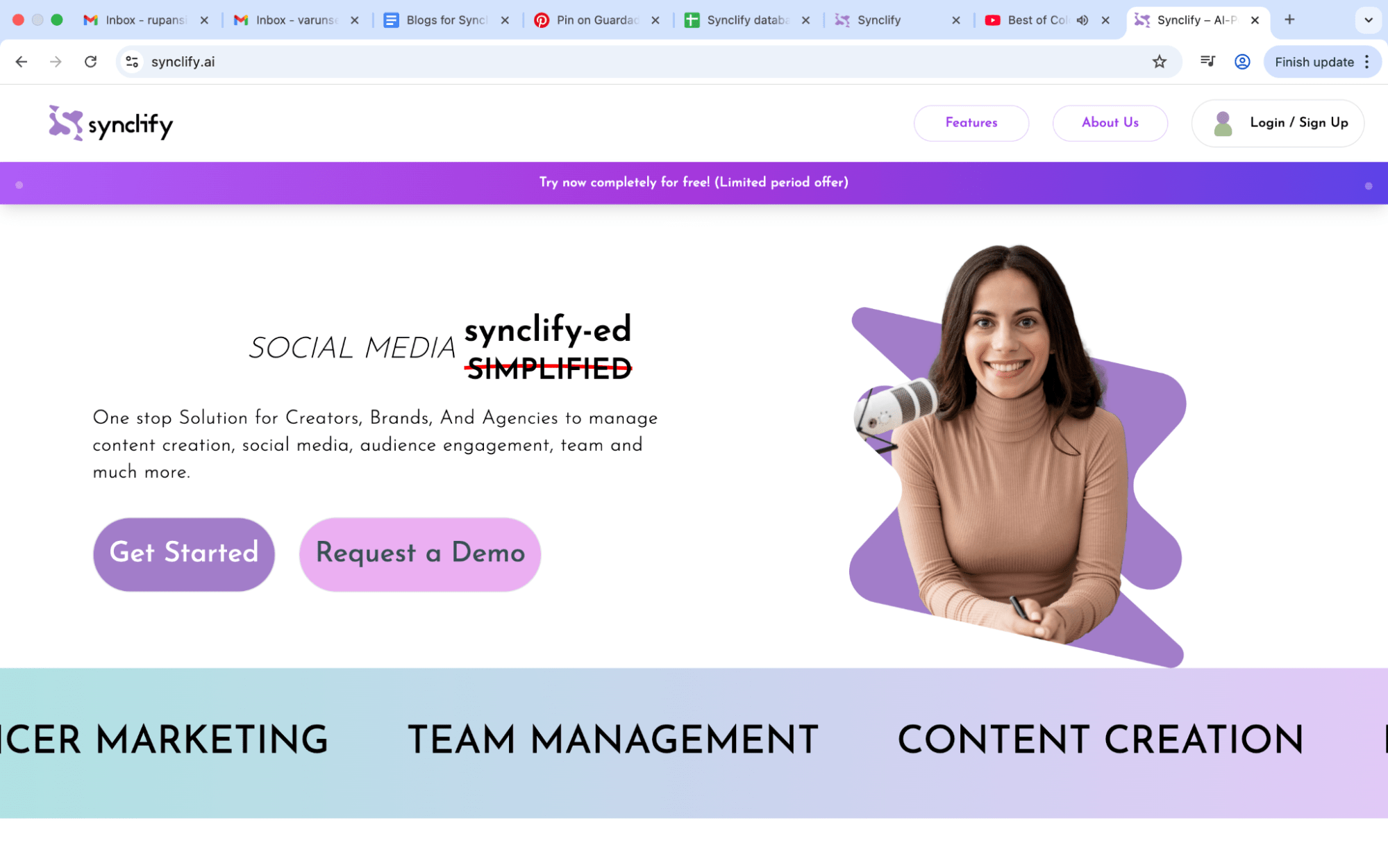
👉 Ready to stop duct-taping tools together?
Explore Synclify today and give your team the clarity it deserves.